
How to Delete Amazon Account: Full 2026 Guide
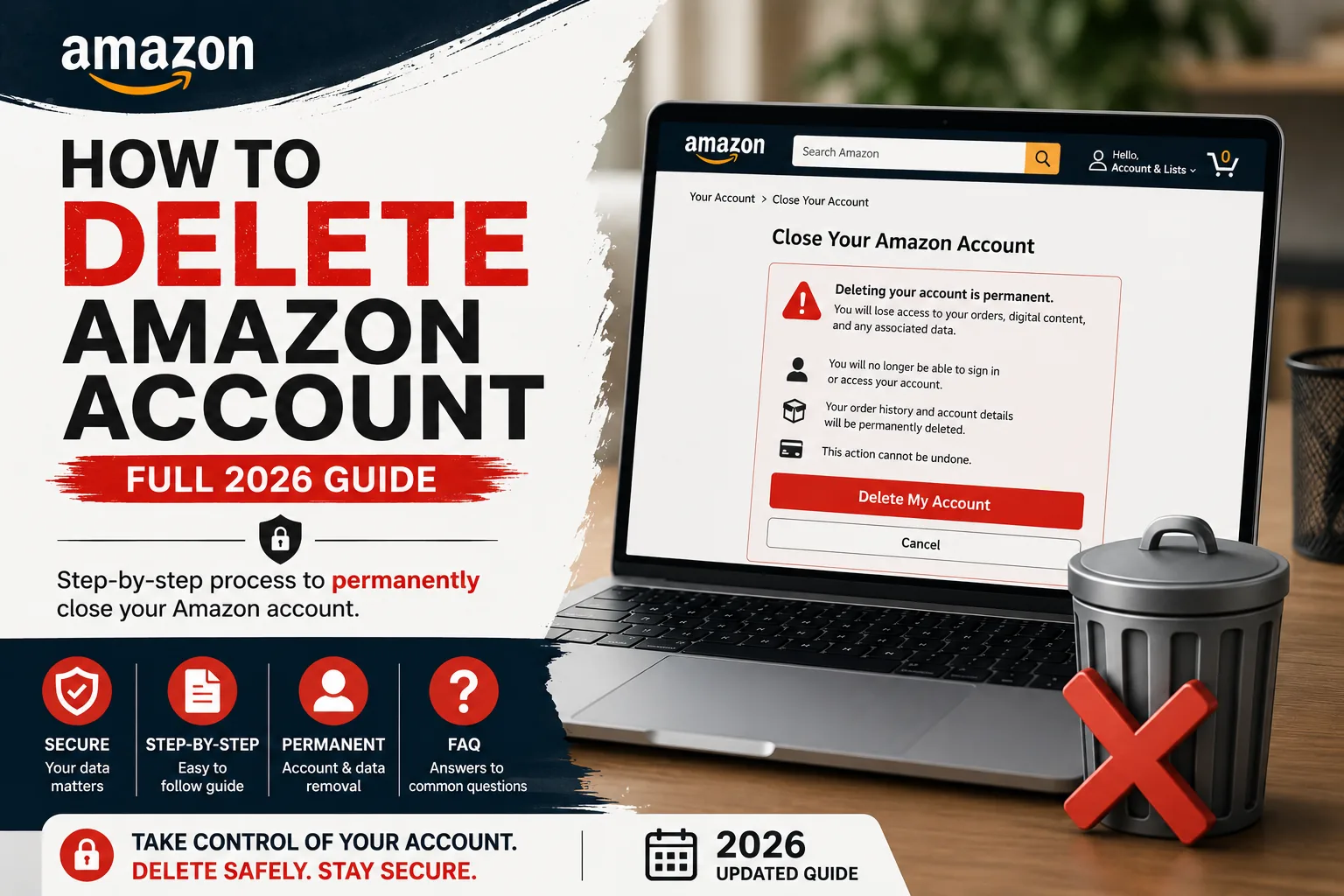
Here is the short version. To delete an Amazon account, go to Amazon’s Close Your Amazon Account help page, sign in, check the box confirming permanent deletion, and select Close My Account. Amazon then sends a confirmation by email or text, and you reply within five days to finish it. After that, it is final.
The click is easy. The regret comes from the stuff people skip before the click.
I have seen people close an Amazon account too quickly and only realize later that they lost access to things they still needed: order history, gift card balance, digital purchases, subscriptions, or saved account records. Deleting the account is not just logging out. It is a permanent closure, so the smart move is to download what you need, use any remaining balance, cancel active services, and only then continue.

Handle these things first, before you close anything
This is the part most people rush, and it is the part that costs them money.
Start with your gift card balance. If there is anything left on it, spend it down to zero. Amazon does not refund a gift card balance when an account closes. That money is just gone.
Next, save your files. Anything you want from Kindle, Audible, or Amazon Photos needs to come off the account while you still have access, because that access ends the moment the account does. Download the books. Pull the photos. Do not assume you can grab them later.
Then cancel Prime and any other subscriptions tied to the account so nothing tries to bill you partway through the process. Finish or cancel any open orders and returns too. A pending return is a reason for the whole thing to stall.
One more thing worth saying out loud. If the only reason you are here is to stop paying the Prime fee, you do not need to delete anything. Cancel Prime and keep the account. Closing the whole account to dodge a membership charge is using a sledgehammer on a thumbtack.
The thing people forget most often is not the login itself. It is the money and content attached to it. Gift card balance is the big one because once the account is closed, that remaining value can be lost. Digital content is another common regret: Kindle books, Audible titles, Amazon Photos, invoices, and order records. Before you close the account, spend the gift card balance, download anything important, save your order history, and cancel active subscriptions. Do not assume you can come back later and recover it.

How to delete Amazon account, step by step
- Go to Amazon’s Close Your Amazon Account help page.
- Sign in to the exact account you want to close. If you have more than one account, each one needs its own separate request.
- Review the products and services tied to the account.
- Pick a reason from the dropdown if you want. This step is optional.
- Check the box that says yes, you want to permanently close the account and delete your data.
- Select Close My Account.
- Reply to Amazon’s email or text confirmation within five days.
That five-day reply window is where people trip. They click Close My Account, feel done, and never open the confirmation message. Miss the reply, and the account stays open. The deletion only sticks once you confirm.
What you actually lose when it closes
This part is permanent, so it helps to see it spelled out.
Prime ends. Your Kindle and Audible libraries lock, so the books and audiobooks you bought are no longer yours to open. Anything you purchased on Prime Video disappears. Photos you stored in Amazon Photos get deleted.
Alexa forgets you completely. Your routines, your settings, your history, all wiped. If you have ever leaned on Amazon Pay or used an AWS login tied to that same account, that access goes with it.
And it is global. Closure is not a per country thing. It applies across every Amazon site you have ever used under that login, all at once.
The loss people underestimate most is their digital library. A Prime subscription can be cancelled again, and order history can be saved, but Kindle books, Audible titles, Prime Video purchases, Amazon Photos, Alexa settings, and account records are tied to the account itself. If you close the account first and think you will “download it later,” that later may never come. Save everything important before you touch the final close button.

How sellers close a Seller Central account
For sellers the stakes are higher, because money and inventory are on the line. The path itself is simple. In Seller Central, go to Settings, then Account Info, then find the Close Account link in the account management area.
What you do before you click matters far more than the click.
Ship or refund every open order first. Amazon will not let an account with active orders close. Then deal with your FBA inventory. Create removal or disposal orders and get your products out of the fulfillment centers while you still can, because the moment the account closes, anything left behind becomes stranded inventory. Once it is stranded, you cannot create removal orders from your dashboard anymore. Getting it back means opening a case and chasing Seller Support, which is slow and miserable.
Settle your balance to zero. Amazon cannot pay you or collect from you on a closed account, so any final disbursement has to clear first. Save your reports for taxes while you have them, because order and transaction history go away with the account.
Plan for the calendar, too. Amazon makes you wait until 90 days have passed since your last sale before it will close a seller account, so any returns or A-to-z claims have time to resolve. Realistically a clean closure can take up to 90 days from start to finish, sometimes longer if inventory removal drags.
One last warning. Amazon links accounts by identity, bank details, and device data. So reusing the same email to spin up a fresh seller account later usually does not work. Amazon remembers.
The biggest Seller Central closure problem I see is stranded FBA inventory. A seller may think closing the account is just an admin step, but if products are still sitting in Amazon fulfillment centers, the closure becomes messy fast. Before closing, remove or dispose of inventory, finish every open order, clear refunds and returns, download business reports, and make sure the account balance is zero. Seller account closure is not something to rush. Treat it like shutting down a business file properly, not just deleting a login.

Before you close a seller account, think twice
Here is the honest part, and I will say it plainly. Most sellers who want out are not finished. They are tired.
The account is rarely the actual problem. The problem is the workload, an ACoS that keeps climbing, a listing that got suppressed, or an account health scare that made the whole thing feel like it was on fire. Closing the account does not fix any of that. It just ends the business along with the headache.
There are lighter doors out. You can downgrade from a Professional plan to Individual and stop the monthly fee while you think. You can switch on vacation mode to pause your listings without losing anything. And if you genuinely want to walk away, you can sell the business instead of deleting it, because healthy FBA brands tend to sell for somewhere around three to six times their annual profit. Deleting that is setting money on fire.
If the daily grind is the real issue, then handing off the daily work fixes the actual problem. That is the gap we fill. We do full service Amazon account management so the day to day stops being yours. We place an Amazon virtual assistant to carry the repetitive load. We fix account health and suppressed listings when that is the thing that scared you. And we work to lower your ACoS when the ad spend is what is bleeding you dry.
Delete the account when you are finished. Not when you are tired.
The seller I would try hardest to talk out of closing is the one who is not actually done with Amazon. They are just tired. Their PPC is wasting money, account health is stressful, listings keep needing fixes, and every day feels like another fire. But that is an operations problem, not always a business-ending problem. Before deleting a Seller Central account, ask one honest question: do you want to leave Amazon, or do you just want the workload to stop owning your day? If the business still has products, reviews, data, or a chance to recover, closing the account can destroy value you spent months or years building. Pause, downgrade, fix the real issue, or get help managing it before you burn the whole account down.

Can you undo it
No. Closing an account is permanent, and there is no reopen button. If you want back in, you start a brand new account from scratch.
For sellers it is worse, because the old email is usually blocked, so a true fresh start often is not even possible on your old details. This is exactly why the prep work matters so much. Once that five day mark passes, there is no take backs.
FAQ
How long does deleting an Amazon account take? For a regular customer account, the whole thing can be done in minutes, then you have a five day window to reply to the confirmation and make it final. Sellers are a different story. A seller closure can take up to 90 days because of the mandatory wait after your last sale.
Does deleting my account cancel Prime? Yes. When the account closes, Prime goes with it. But if stopping the Prime fee is your only goal, you are doing too much. Just cancel the Prime membership on its own and keep your account and your order history intact.
Can I do this from the app? Start it in a browser. The app points you to the same Close Your Amazon Account help page, so there is no real shortcut by going mobile. Sign in on a browser, follow the steps, and you will land in the exact same place.
Does it really erase my data? Mostly, yes. Amazon deletes the personal information tied to your account, but it is legally required to keep certain records, like order history, for tax, accounting, and fraud reasons. So a thin layer of data sticks around where the law demands it.
Can a closed account be reopened? No. A closed account stays closed, and you would need to register a new one. Sellers usually cannot reuse the same email at all, since Amazon links accounts by identity and bank and device data. Treat the close as final, because it is.
The one thing to remember
Deleting an Amazon account is a two minute job with a permanent result. The regret never comes from the closing. It comes from rushing the prep.
So spend the balance, save your files, cancel your subscriptions, submit, and confirm within five days. If you are a seller, clear your orders and pull your stock first, and be honest with yourself about whether you want out or just want relief.
